Getting Started
Inviting team members
Add your team to WorkSignals and collaborate on inspections.
Inviting team members
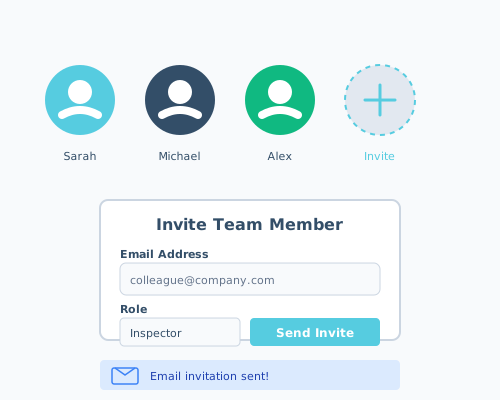
Collaborate with your team by inviting them to your WorkSignals account.
Go to Team Settings and click "Invite Member" to send email invitations to your colleagues. They'll receive a link to join your organization.